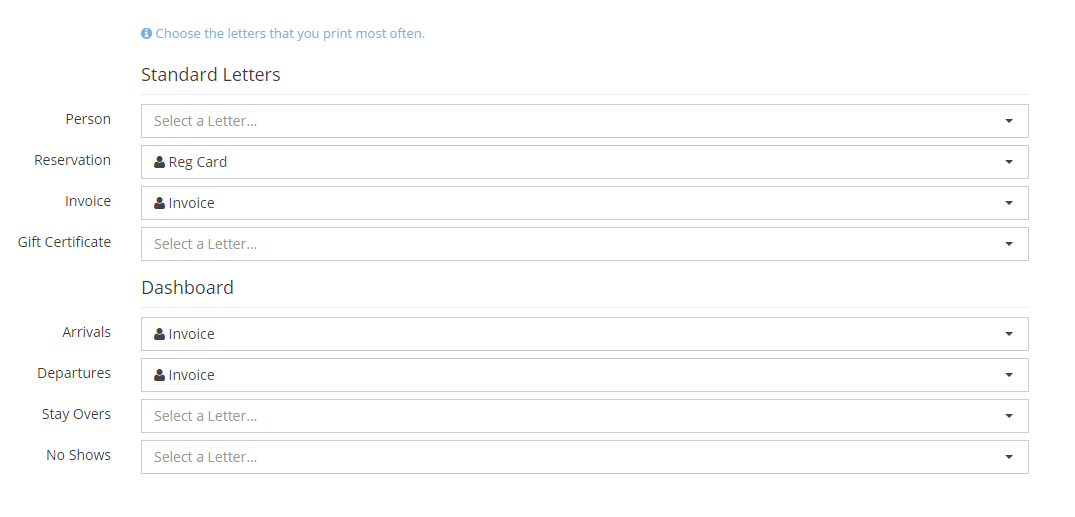
Default Letters
The multiple step letter process was super annoying………………..so we fixed it! Moving forward, you will be able to select the default letter you wish to appear in each section of the program that letters are used. This will reduce the number of clicks needed to send a letter but automatically opening the letter that you have selected as the default. If for some reason you don’t want to use that letter, simply click the drop down to pick from all of your letters.
To set your letter defaults you will need to navigate to Configuration > Letters and Templates > Default Letters

Within this setting you will now be able to select the default letter you wish to automatically display. Don’t worry, if you have a hard time deciding go ahead and pick the one you think you will use most frequently. When you go to send a letter for the first time you’ll quickly see how easy it is to select another letter on the fly.