
Deleting POS Items
The ability to delete Point of Sale Items is a popular request in our UserVoice suggestion forum: https://rezstream.uservoice.com/add-the-option-to-delete-pos-items
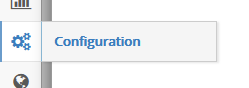
This capability is now enabled and ready to use in rezStream Cloud. To delete a POS Item, head over to the Configuration section via the side navigation menu:
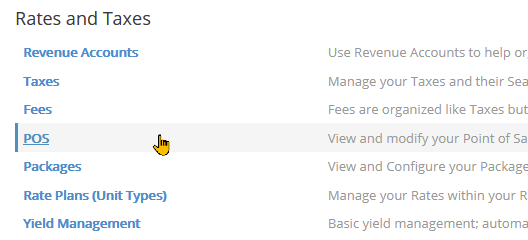
Open POS under the Rates and Taxes category:
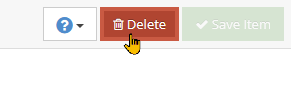
To delete an item, simply open it and hit the Delete button in the upper right.
Upon deleting a POS Item, please note the following:
- The POS Item will be destroyed and users will no longer be able to select or add this item to invoices. Because the item can not be restored or undeleted, we have added a control step that will prompt you to enter the name of the item in a Delete prompt window.
- The POS Item will NOT be removed from invoices where it has already been added and you can still update those line items.
- The POS Item will still be present on your reports and reflect any invoices where it is applied.
As always, we hope you enjoy this latest update and thanks for using rezStream!