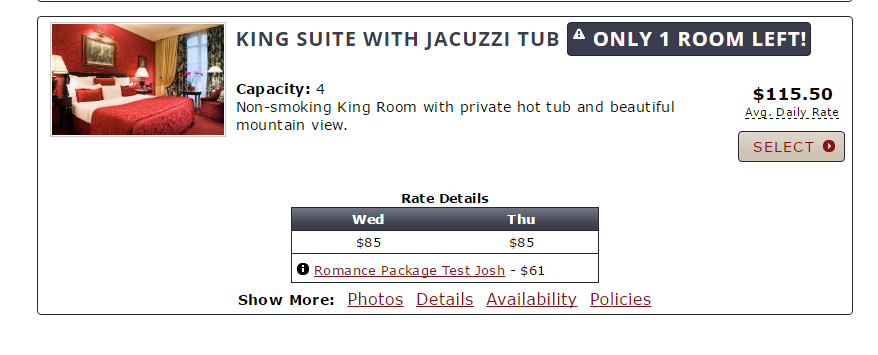
Unit Type Display
Up to this point, you could only display individual units on the booking engine. For those of you that like to display your units in a category of types, you can now do so online via the booking engine. The instructions below will walk you through the steps on how to accomplish this.
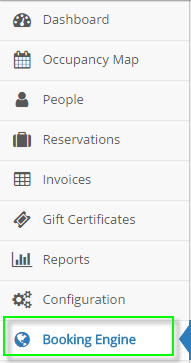
1) Navigate to the Booking Engine Configuration section
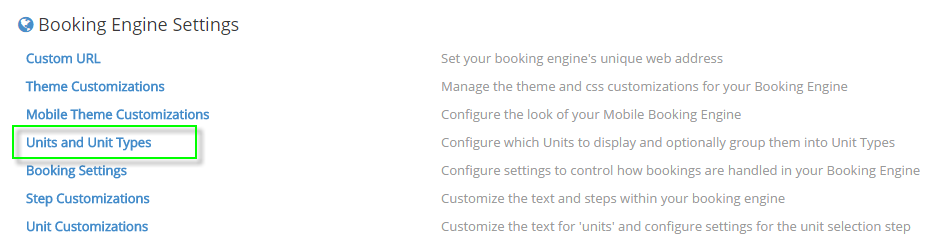
2) Select “Units and Unit Types”
3) Select “Unit Type” via the drop down

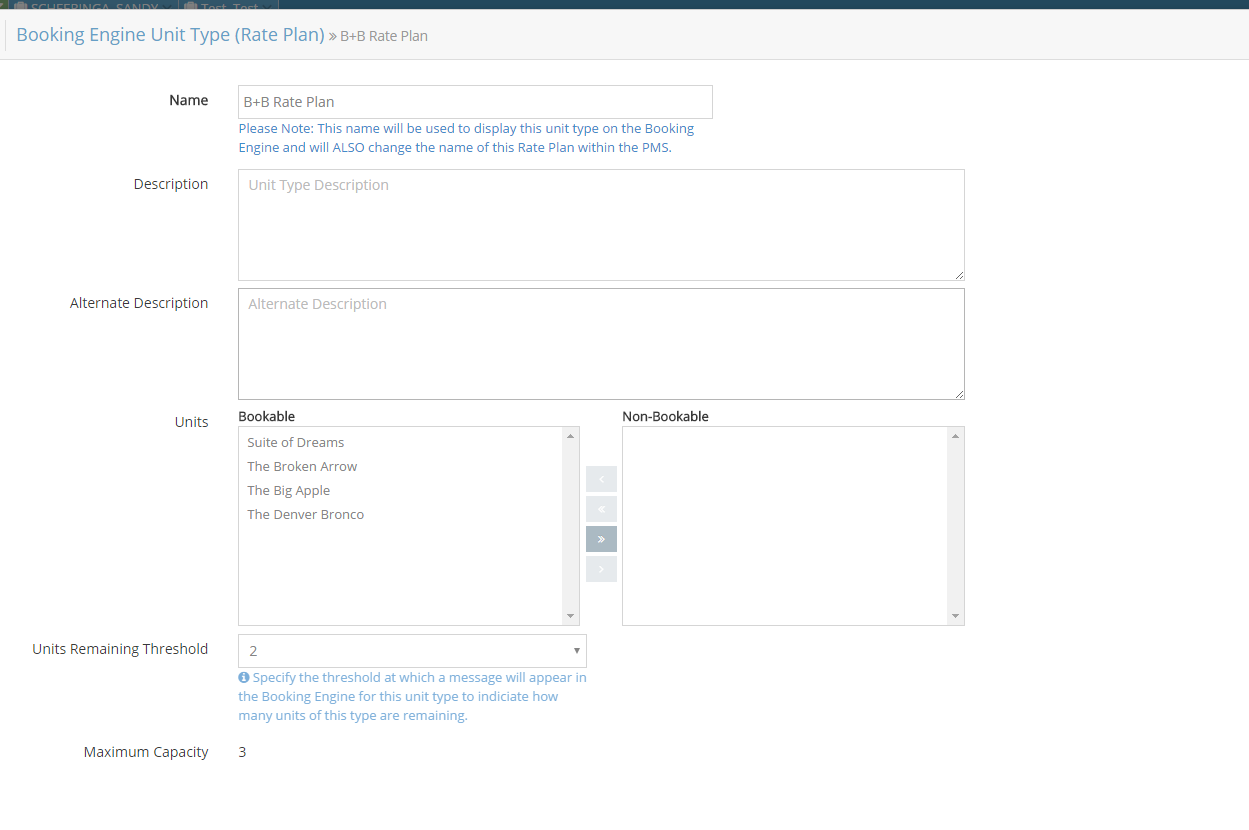
4) Enter a Unit Type to control various settings like:
- The Unit Type display name (This will change your rate plan name)
- Unit Type description
- Select which units belong in this type that you want bookable online vs. not bookable online
- Determine if you want to display a unit remaining threshold message (This shows that you have X units of this type available and expresses a sense of urgency to encourage the guest to book now).
5) Be sure to save your settings in the upper right hand corner of each screen

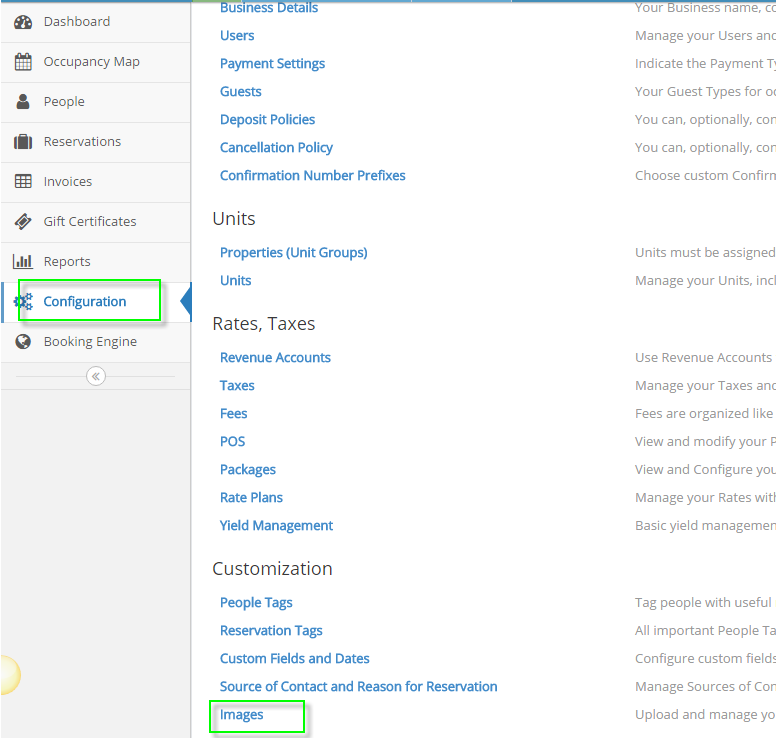
6) Navigate to your images
- Go to Configuration > Images
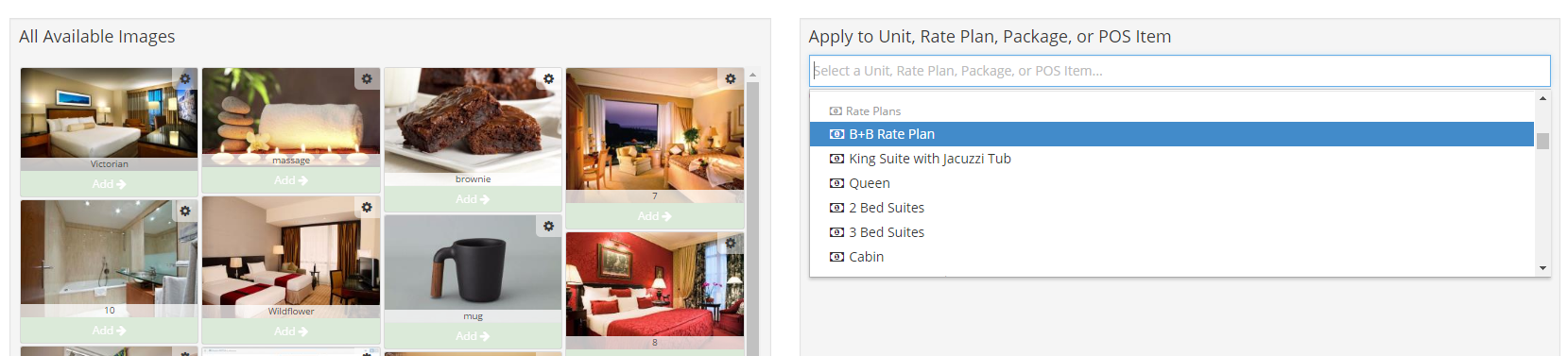
- Scroll to the new unit types you have created (If you changed the Unit Type name they will be reflected here under Rate Plans, if not you will see your existing Rate Plan name)
- Enter the rate plan and add the appropriate images to that rate plan (Skipping this step will leave your new Unit Types on the booking engine without any images)
7) Upon completion, you can now verify the changes within your online booking engine